Your tips.
Your bank account.
Nobody in between.
Carry the tag. A customer taps it with their phone, picks an amount, and pays you.
How it works
Tip. Bop. Boom.
They tap your tag
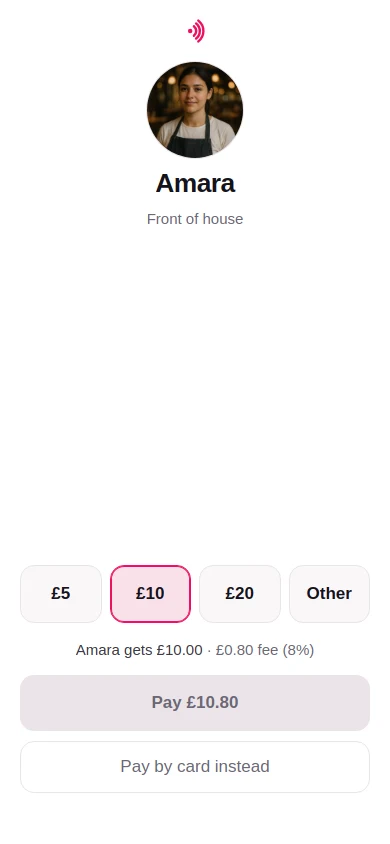
Your TipBop page opens on their phone: your first name, your photo, three amounts. Nothing to download, no account to make.
They pick an amount and pay
£2, £5, £10 or their own figure. Apple Pay, Google Pay or a card.
You are paid
Straight to your bank, as soon as your tips add up to £20.00. Not next payday, and not at the end of the month.
The money
£10 means £10.
The fee is added on top of what they chose, so nothing comes out of your tip.
They pay £10.80: the £10 plus TipBop’s fee of 40p plus 4%, shown to them before they pay. Why they pay it, not you.
It is paid into an account in your own name. It never goes through
- The till
- A tronc
- Payroll
- Your venue
- TipBop
Your account is yours. There is no employer account and no manager view, so nobody where you work can see what you have been tipped.
Where you work still has a say in what you wear and carry on shift, so ask before you start using one. The terms say the same, and the app carries a letter you can show them.
A statement of every tip, per tax year, ready for your return. What TipBop does, and what is still yours to do.
Get started
Ready in a couple of minutes.
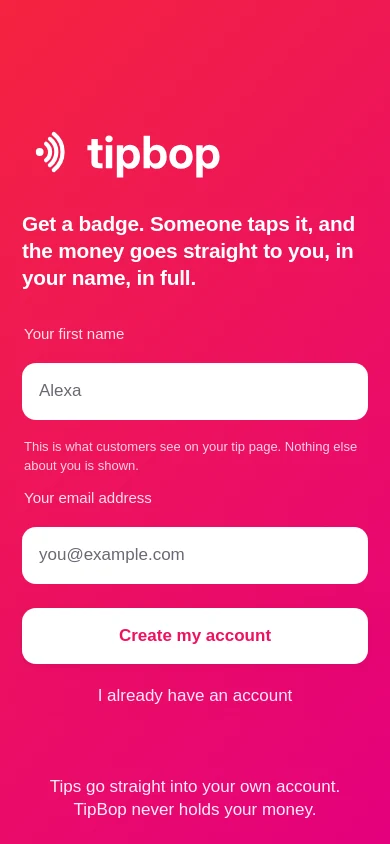
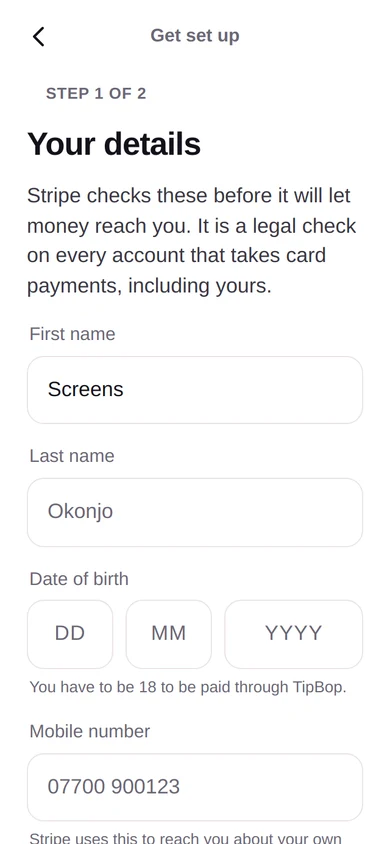
TipBop is a web app. Install it from your browser, give it your first name and an email address, and Stripe checks who you are before anything is paid out. Once it is on your home screen it buzzes the moment a tip lands.
The tag is yours, not a workplace’s. If you work for yourself it is simply yours, and if you move on it comes with you.
Already have an account? Sign in. Questions first? Read these.